Dual Device App Store Screenshot Template
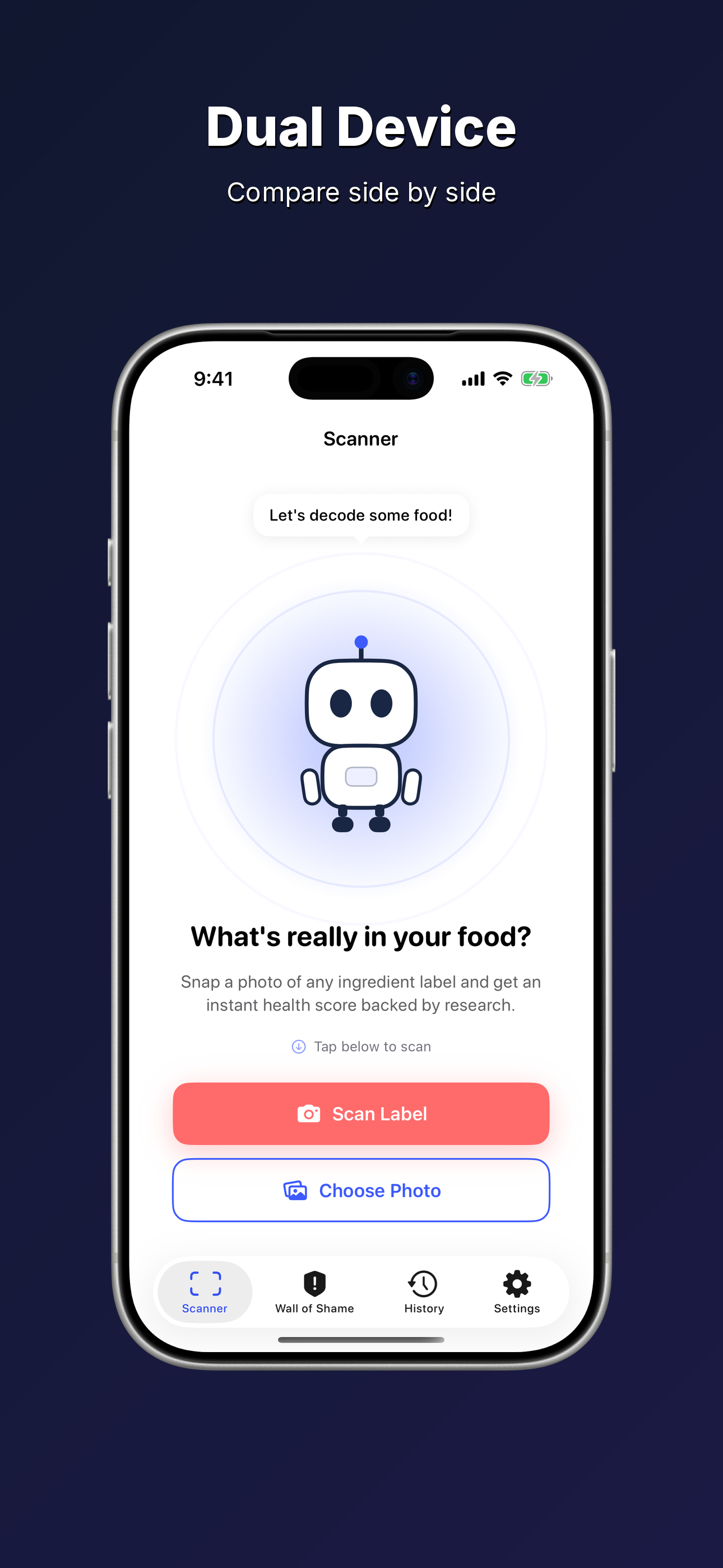
Two phones, one frame. Show a before/after comparison, light vs dark mode, or two complementary screens side by side, all in a single polished screenshot.
About This Template
The Dual Device template places two iPhone frames next to each other on a deep dark gradient background. Use it to highlight a transformation (onboarding → home screen), contrast two modes (light vs dark), or showcase two key features at once. The side-by-side layout immediately communicates depth and breadth, and gives potential users a richer preview of your app without requiring them to swipe through multiple screenshots.
Color Palette
Background Start#0F0F0F
Background Mid#1A1A2E
Background End#0D0D1A
Text#FFFFFF
Use Cases
- 1Before/after comparisons: show the problem your app solves on the left, the solution on the right
- 2Light and dark mode showcase: demonstrate your app looks great in both themes
- 3Feature pairs: display two related screens that work together (e.g. map view + detail view)
- 4Onboarding flow: walk users from the welcome screen to the main dashboard in one shot
- 5Multi-platform teasers: hint at iPhone and iPad variants side by side
Best For
Before/AfterLight/Dark ModeFeature PairsOnboardingProductivity